
Clean up your LinkedIn activity in minutes
Activity Cleaner is a Chrome extension that bulk deletes your old LinkedIn posts, comments and reactions — so you don’t have to click “Delete” hundreds of times.
Add to Chrome — it’s freeSee Pro- Runs 100% in your browser
- Never asks for your password
- Collects no data
What it does
Perfect before a job change, a rebrand, or when your profile just needs a fresh start.
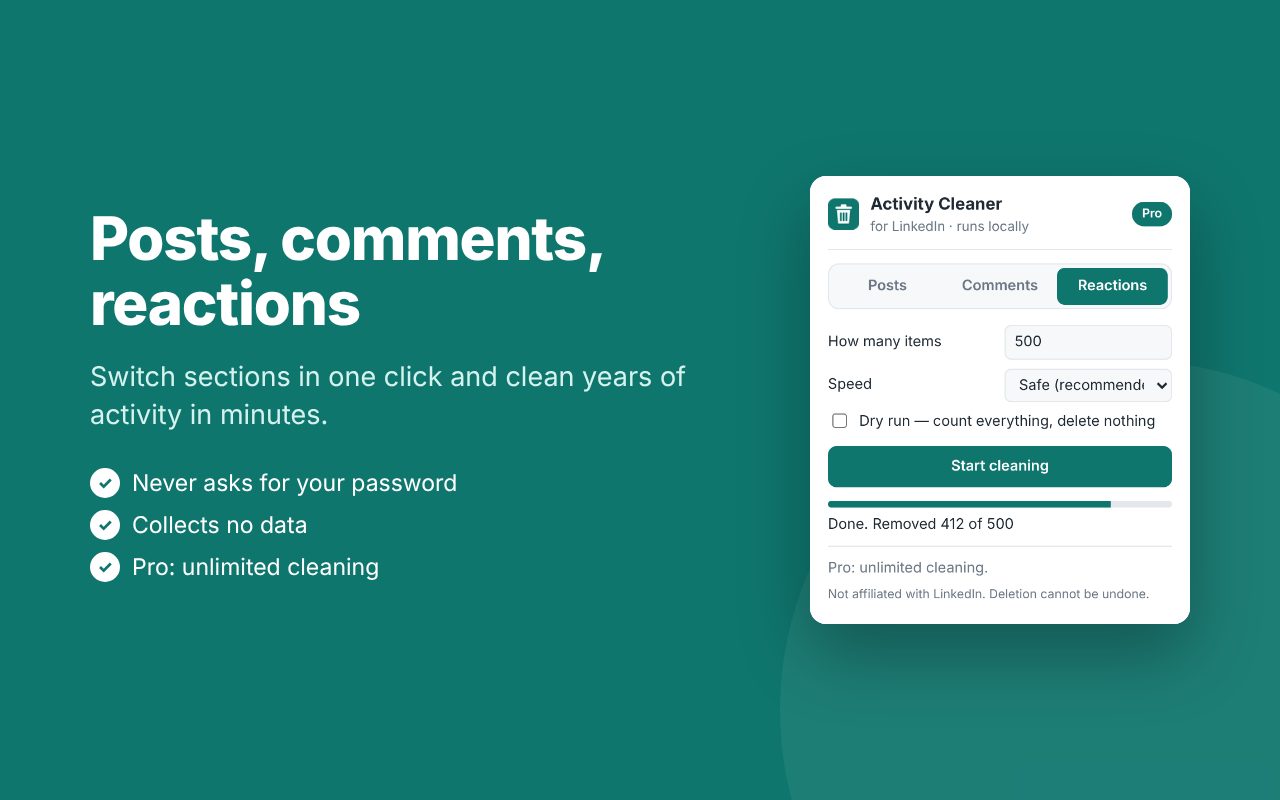
Posts and reposts
Delete your own posts in bulk. Optionally undo your reposts too.
Comments
Remove the comments you left on other people’s posts.
Reactions
Take back likes, celebrates and other reactions from your activity.
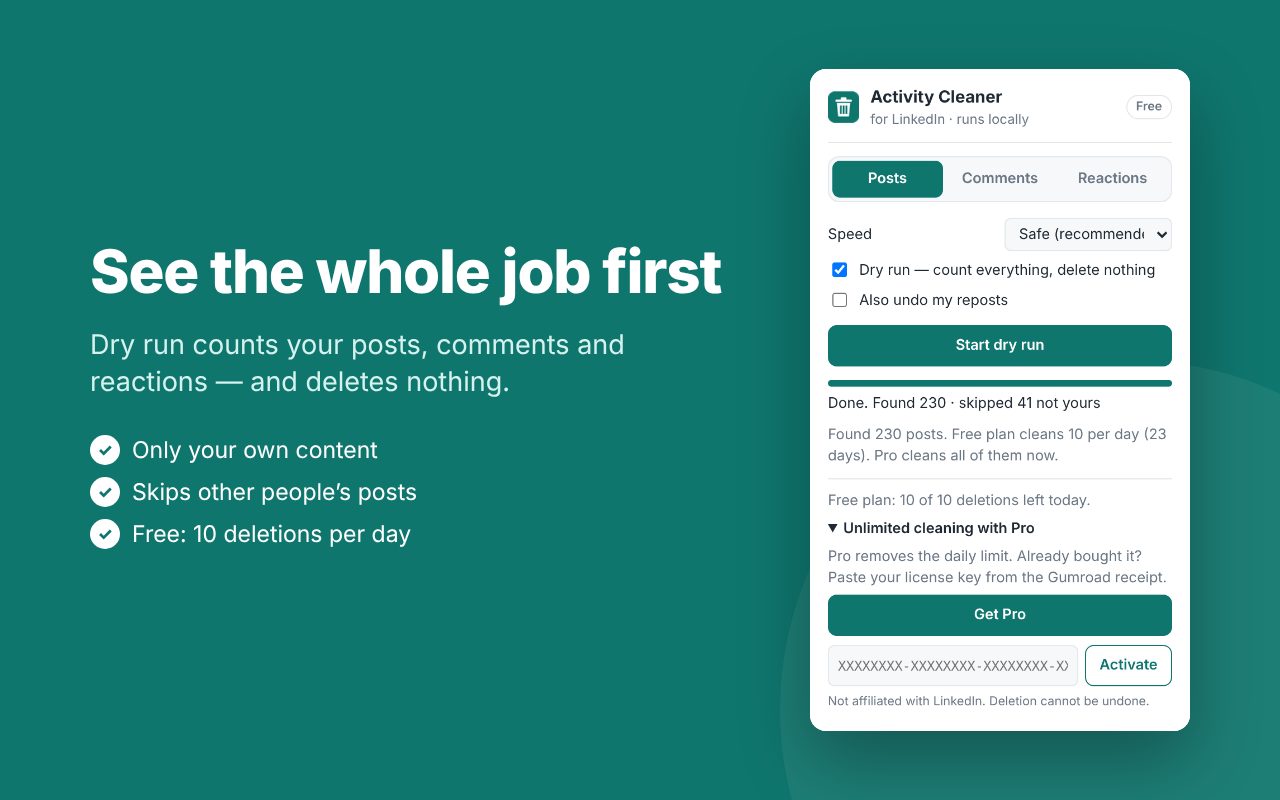
Dry run first
Count everything that would be removed before deleting a single item.
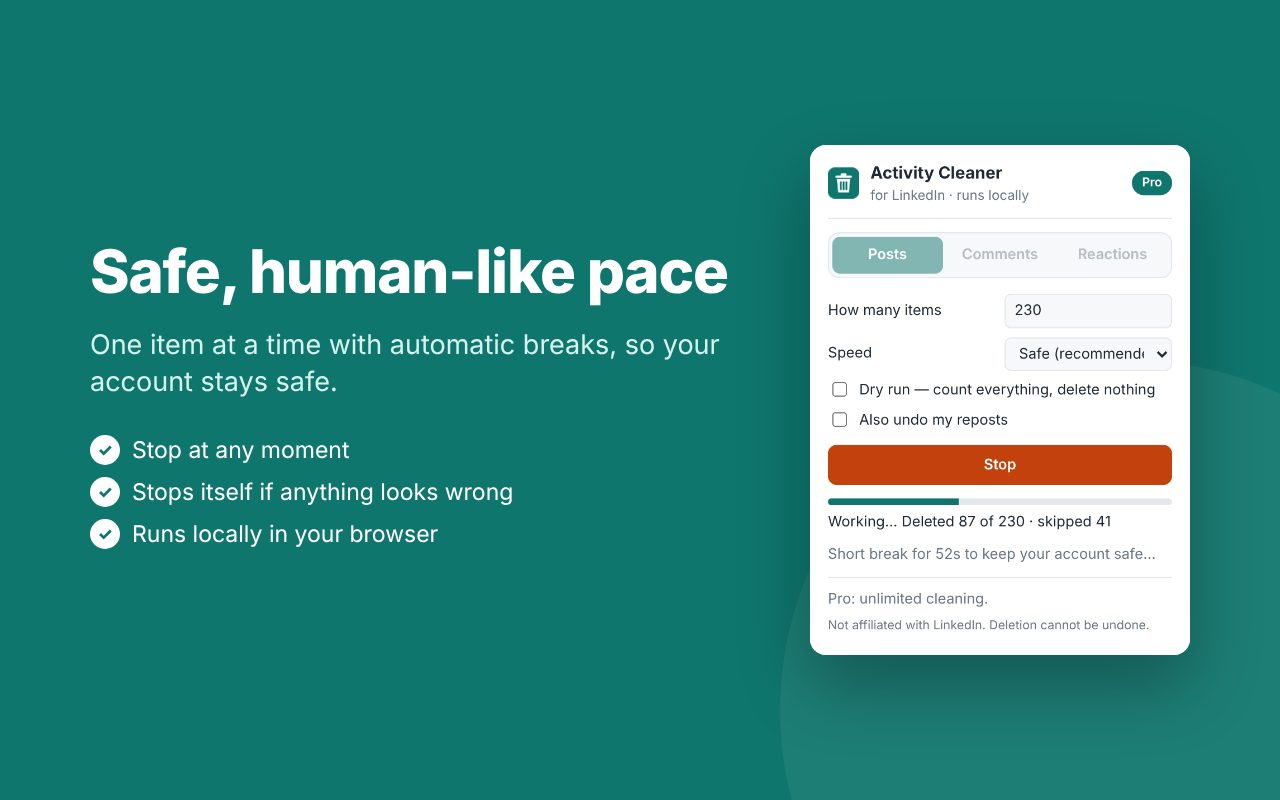
Safe, human-like pace
One item at a time with automatic breaks. Stops itself if anything looks wrong.
Only your content
Other people’s posts are skipped automatically. You can stop at any moment.
How it works
- Install Activity Cleaner from the Chrome Web Store and open LinkedIn.
- Click the extension icon and choose Posts, Comments or Reactions.
- Run a dry run to see how much there is, then start cleaning.
Free and Pro
Try it for free. Upgrade when you want to clean everything at once.
Pro
or $39 / year
- Unlimited cleaning
- Everything in Free
- Cancel anytime, 7-day money-back guarantee
After buying Pro, paste the license key from your Gumroad receipt into the extension (“Unlimited cleaning with Pro” → Activate).
Questions
Is it safe for my LinkedIn account?
The extension works slowly, like a person would: one item at a time with random pauses and longer breaks. Automated actions may still be against LinkedIn’s terms, so use it at your own risk.
Do you see my LinkedIn data or password?
No. Everything runs inside your own browser, using the LinkedIn session you already have open. Nothing is sent to our servers. See the privacy policy.
Can I restore deleted posts?
No, LinkedIn does not allow restoring deleted content. That’s why the dry run is on by default.
Which LinkedIn language is supported?
The English LinkedIn interface. You can switch it in LinkedIn: Settings → Account preferences → Display language.
How do I cancel Pro?
Use the “Manage membership” link in your Gumroad receipt. Pro keeps working until the end of the paid period.
I need help
Email klachev.vitali@gmail.com — we usually reply within a day.
Activity Cleaner is an independent tool and is not affiliated with, endorsed or sponsored by LinkedIn Corporation. LinkedIn is a trademark of LinkedIn Corporation.